Catalog, commerce, search, and reader
Affordable can't read as cheap. Students comparing FlatWorld against $200 publisher titles judge the product on every surface: catalog, checkout, reader. As design engineer I owned the bridge between product design and front-end across all of them, designing in code and shipping what I designed.
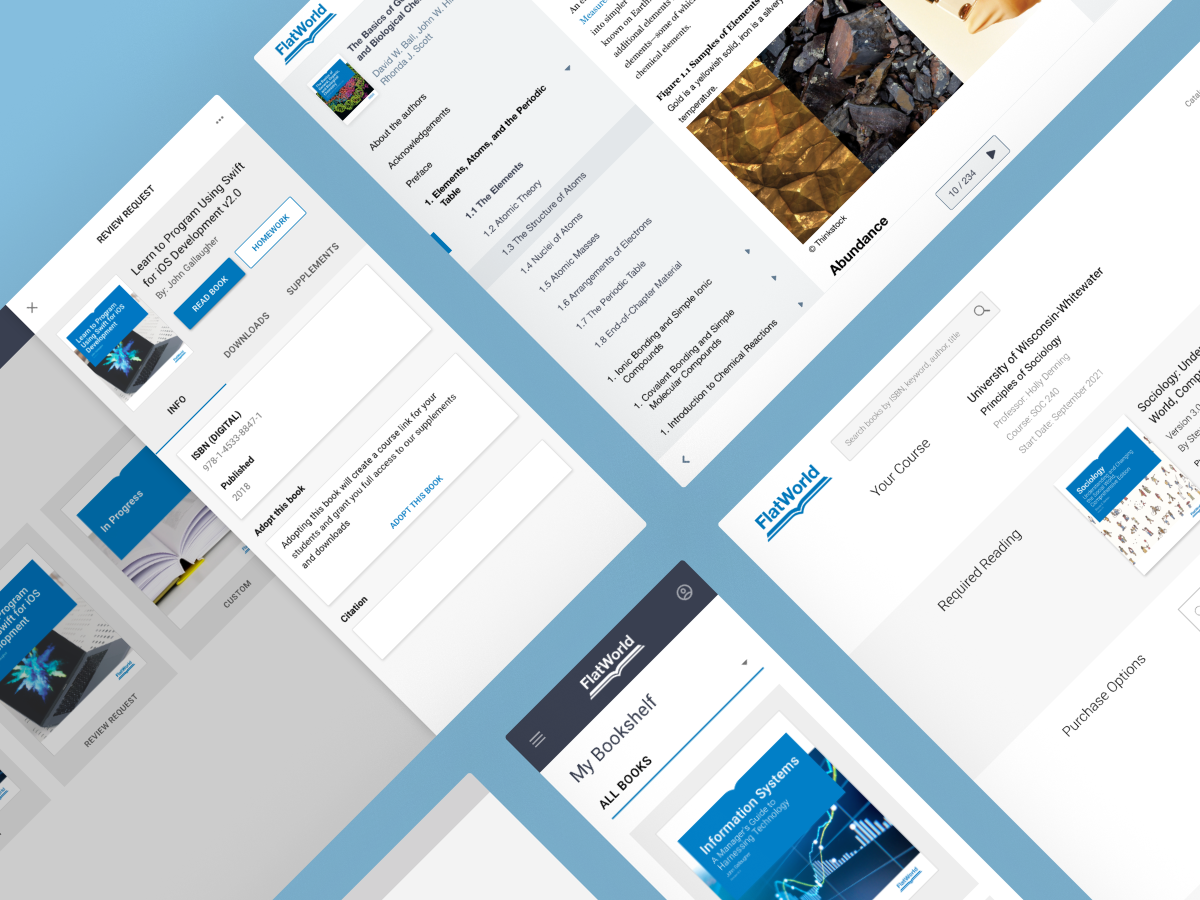
Finding the right book and buying without friction
The standing argument in commerce was merchandising versus momentum: supplements and format options drove revenue, but every choice added before checkout risked losing the sale. Rather than settle it by opinion, we A/B-tested the flows and kept the variants that moved conversion up 25% without burying the formats students needed.
Catalog and in-book lookup
Students don't separate finding a book from finding a passage, so search couldn't either. I designed section-aware results and in-reader overlays that jump straight to the right passage without losing reading position. Of everything we shipped, this is the work that drove the 80% lift in NPS.
Studying from the book online
The reader is where students actually live, so it bundles layout, SmartHelper definitions, self-study quizzes, and flashcards into one study surface instead of scattering them across tools. Try the interactive demo above: open the Flashcards tab to practice or test terms while reading.
Impact
Catalog and in-book search drove an 80% lift in NPS.
A/B-tested commerce flows lifted conversion rates by 25%.